Necessary cookies keep this site secure and working. Optional analytics and advertising stay off until you allow them. Change your choice anytime. Privacy Policy.
Global Privacy Control is on. Advertising stays off.
PROJECT PORTFOLIO · Conversational software
Arita Chatbot
A conversational assistant project connecting mobile interfaces, context and everyday tasks.
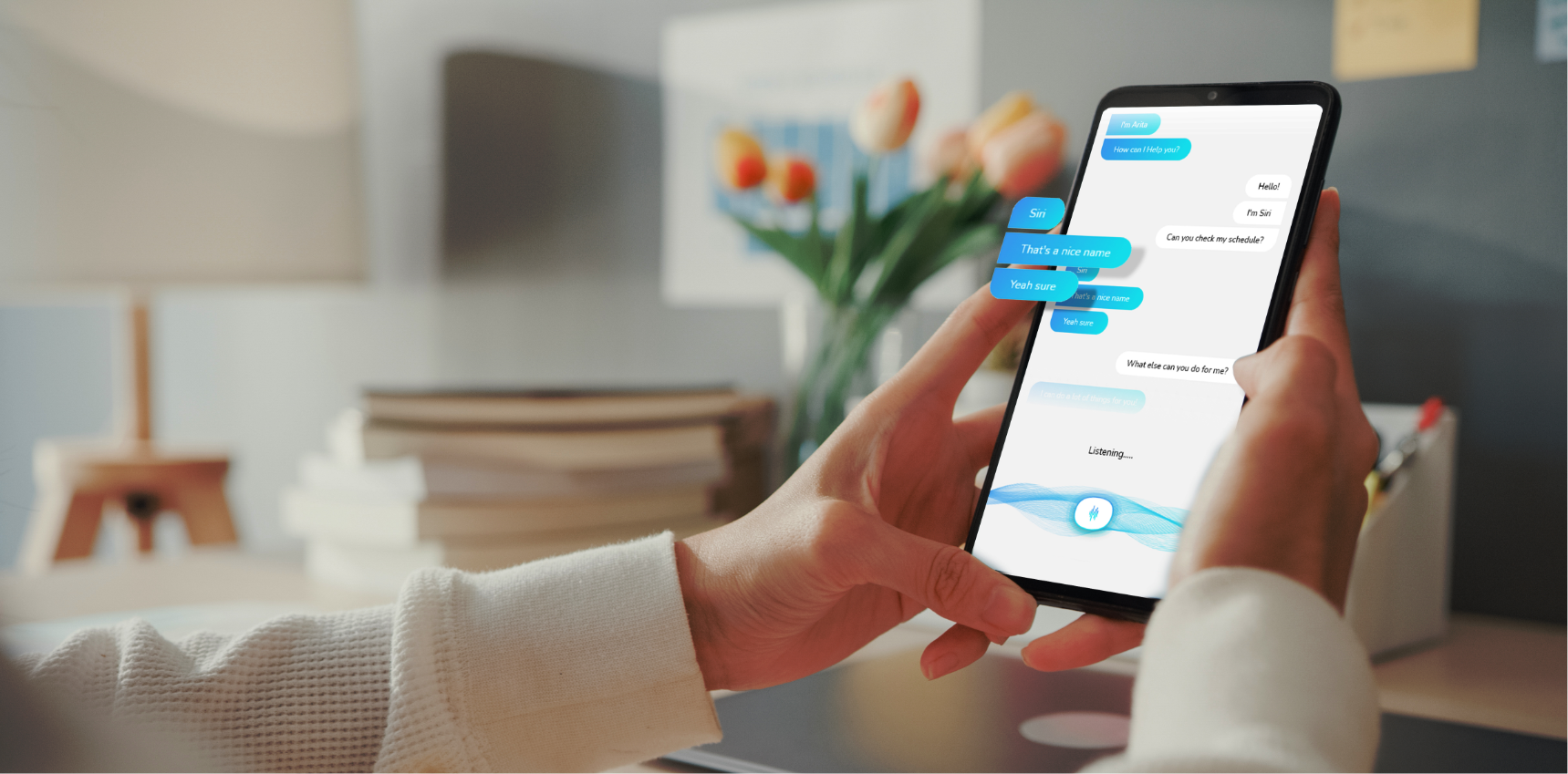
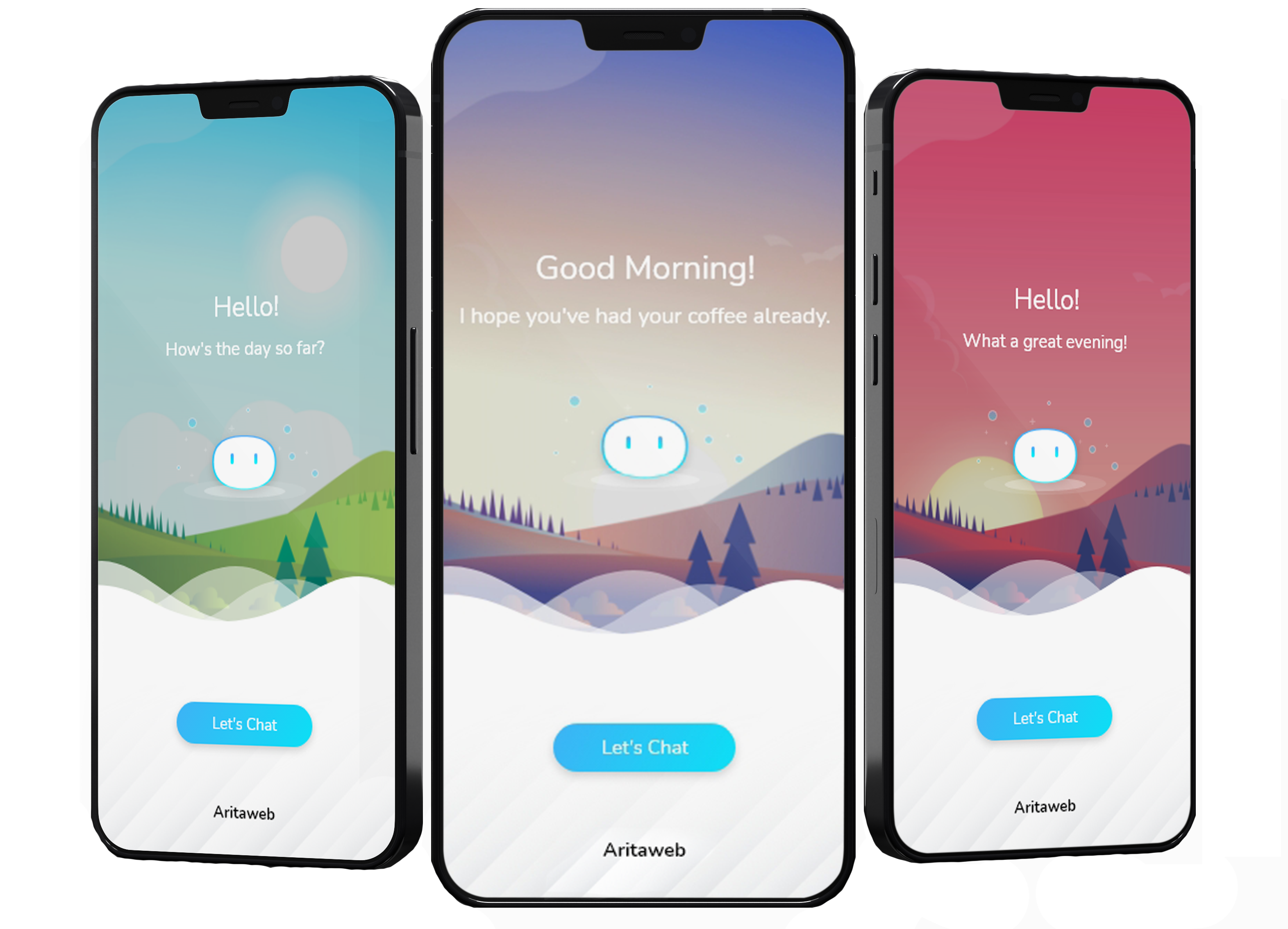
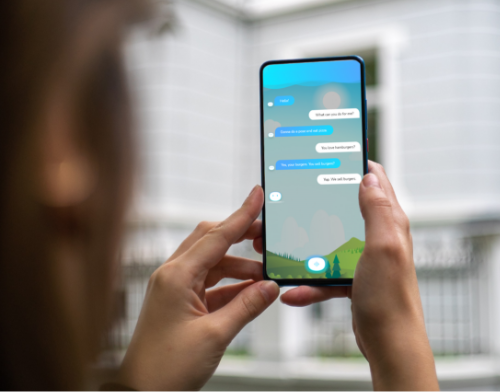
Arita Chatbot explored contextual conversation, scheduling and task automation through a mobile experience. The original project described connections to channels, backend systems and internal applications, alongside conversation metrics and interface design.
Areas explored
Conversational and mobile interface design
Context, scheduling and task workflows
Channel and backend integration
Original project media
Original page clip — landscape montage
A montage shows alpine lakes, rocky mountain ridges, forested valleys and broad granite cliffs beneath changing clouds and colorful skies. Later views show pink sunset clouds and warm light across the mountains. A clideo.com watermark appears at the lower right. The clip has no audio track. No chatbot interface is visible in the inspected frames.
Have a related idea?
Let’s discuss your product and the practical next step.
On iPhone or iPad, open your browser’s Share menu, choose Add to Home Screen, then confirm Add.In Safari on Mac, choose File → Add to Dock. In Chrome or Edge, use the install icon in the address bar or the install option in the browser menu.In your browser’s menu, choose Install app or Add to Home Screen. If neither option is available, open the site in an up-to-date version of Chrome or Edge.Once installed, AritaWeb opens to your dashboard. Use the eye icon to open the main website in a new tab.Your account and dashboard require an internet connection. Your private information is not stored for offline use.