Necessary cookies keep this site secure and working. Optional analytics and advertising stay off until you allow them. Change your choice anytime. Privacy Policy.
Global Privacy Control is on. Advertising stays off.
PROJECT PORTFOLIO · Computer vision
Facial Recognition
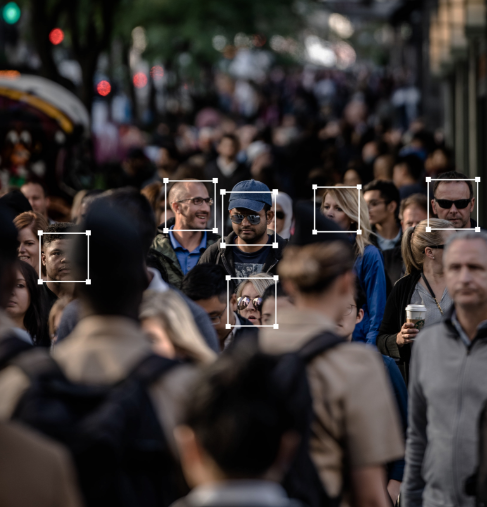
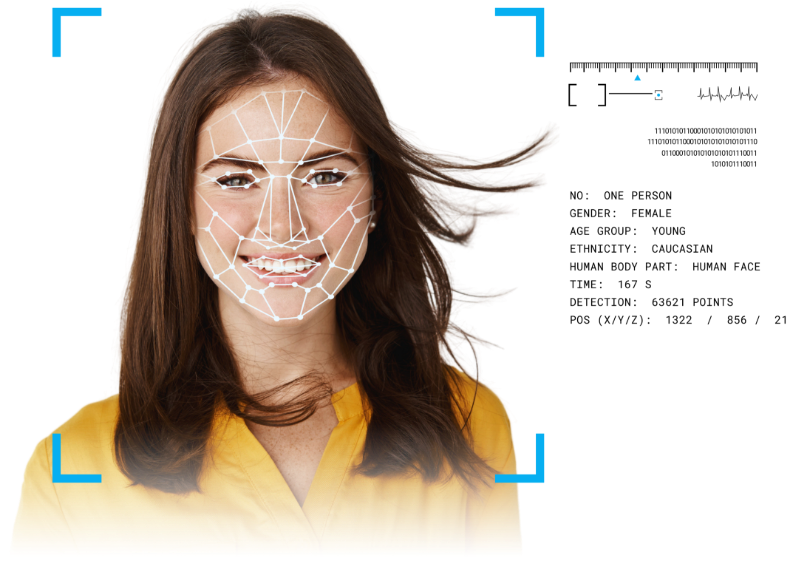
An image-processing project covering face detection, capture, template extraction and matching.
This project organized face-processing workflows from detection and capture through template extraction and matching. Its original materials covered still images, multi-camera video, portrait preparation and configurable matching workflows.
Areas explored
Face detection and capture workflows
Image preparation and template extraction
Still-image and multi-stream video processing
Original project media
Have a related idea?
Let’s discuss your product and the practical next step.
On iPhone or iPad, open your browser’s Share menu, choose Add to Home Screen, then confirm Add.In Safari on Mac, choose File → Add to Dock. In Chrome or Edge, use the install icon in the address bar or the install option in the browser menu.In your browser’s menu, choose Install app or Add to Home Screen. If neither option is available, open the site in an up-to-date version of Chrome or Edge.Once installed, AritaWeb opens to your dashboard. Use the eye icon to open the main website in a new tab.Your account and dashboard require an internet connection. Your private information is not stored for offline use.