Necessary cookies keep this site secure and working. Optional analytics and advertising stay off until you allow them. Change your choice anytime. Privacy Policy.
Global Privacy Control is on. Advertising stays off.
PROJECT PORTFOLIO · Robotics & interaction
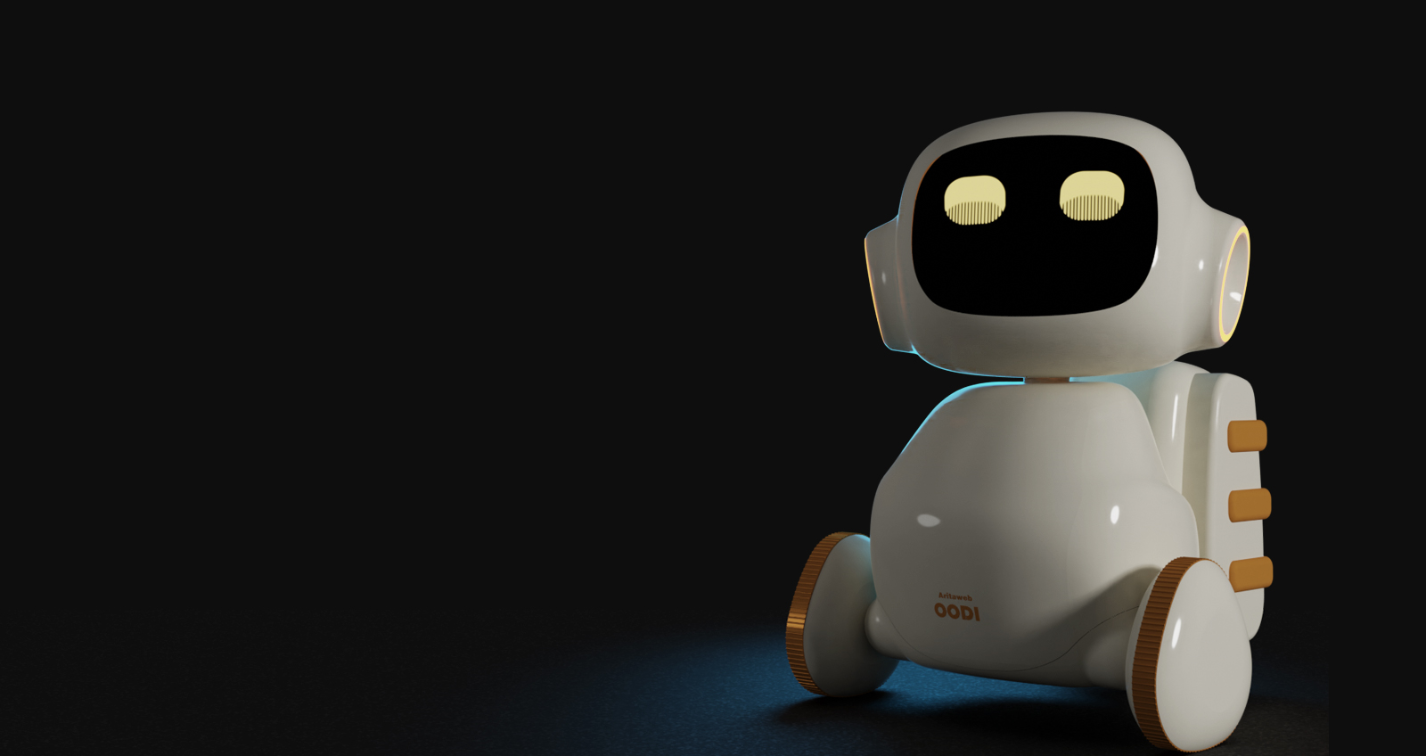
Oodi Robot
An expressive companion robot connecting conversation, learning and a screen-based personality.
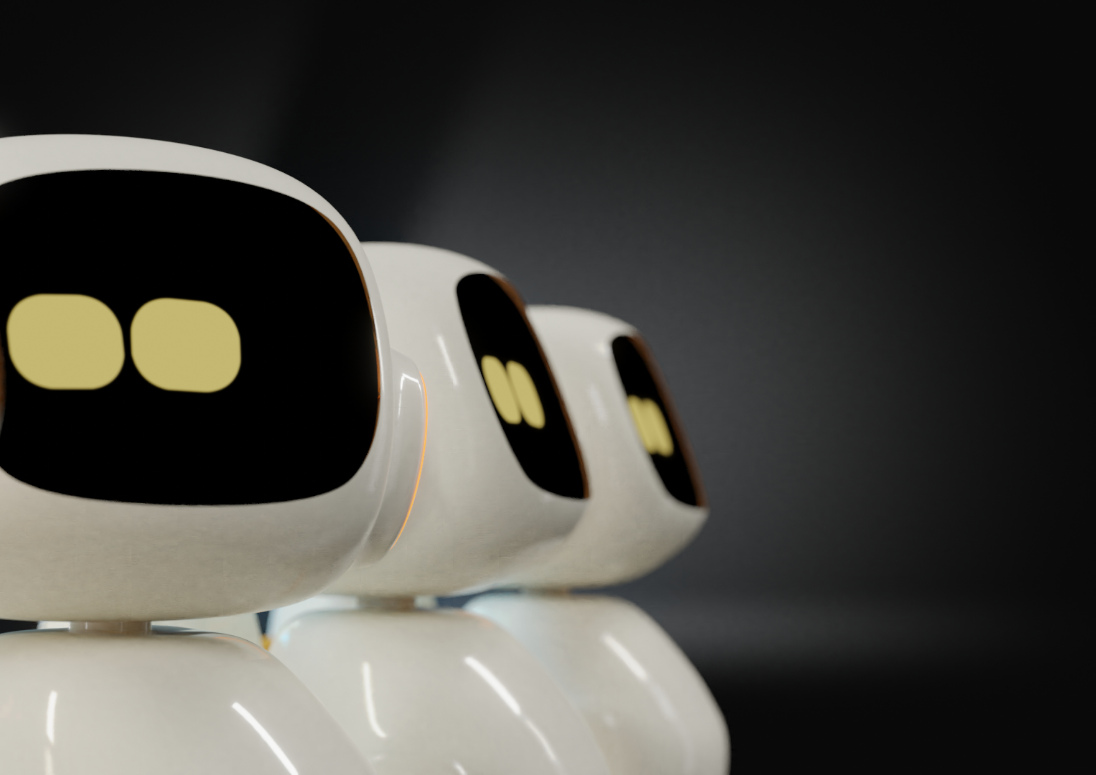
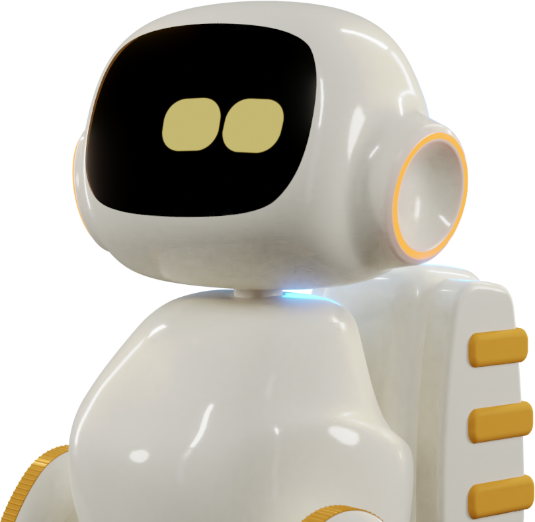
Oodi brought together robotics, conversational interaction and a friendly visual identity. Its original presentation explored camera input, voice interaction, connected activities and video calls. The original clips below show the robot’s expressive display and interface sequences.
Areas explored
Robot interaction and expressive screen design
Camera, voice and connected-app workflows
Learning, entertainment and video-call experiences
Original project media
It Sees — expressive eyes
A white Oodi robot is shown against a pale blue background. Two yellow eyes on its black face display shift position and change shape. The clip is silent.
It Shows — screen experiences
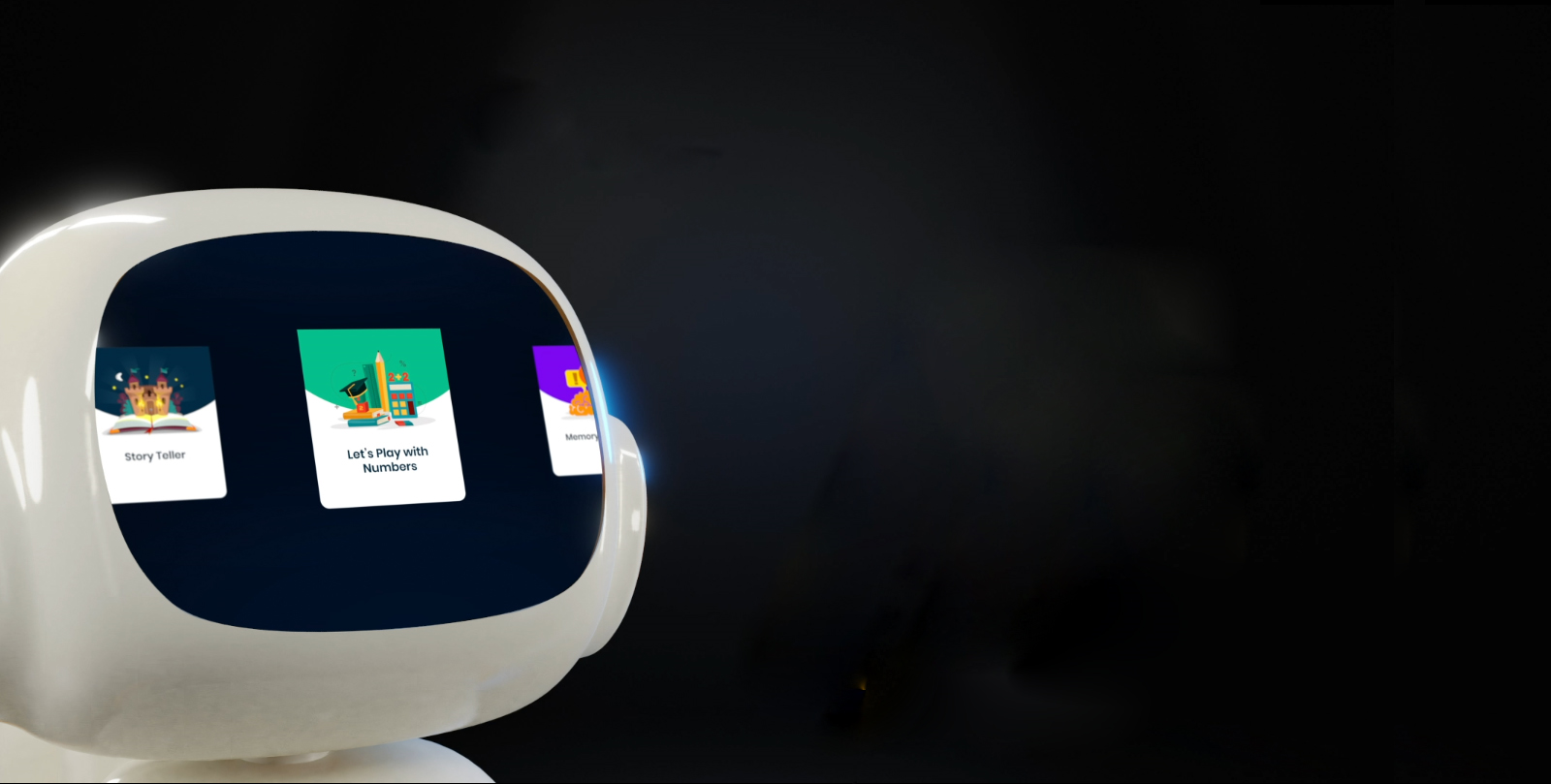
A white Oodi robot's display changes from yellow eyes to an incoming-call screen with a small portrait, then a video-call view of a smiling child with another participant in a corner thumbnail. The display then scrolls through illustrated activity cards and returns to the yellow eyes. The clip is silent.
It Behaves — changing expressions
A white Oodi robot faces the viewer against a pale blue background. The yellow shapes on its black face display change from rounded eyes to narrow lined eyes and then inward-angled eyes. The clip is silent.
Have a related idea?
Let’s discuss your product and the practical next step.
On iPhone or iPad, open your browser’s Share menu, choose Add to Home Screen, then confirm Add.In Safari on Mac, choose File → Add to Dock. In Chrome or Edge, use the install icon in the address bar or the install option in the browser menu.In your browser’s menu, choose Install app or Add to Home Screen. If neither option is available, open the site in an up-to-date version of Chrome or Edge.Once installed, AritaWeb opens to your dashboard. Use the eye icon to open the main website in a new tab.Your account and dashboard require an internet connection. Your private information is not stored for offline use.