Skip to main content
Your cookie choices Necessary cookies keep this site secure and working. Optional analytics and advertising stay off until you allow them. Change your choice anytime. Privacy Policy .
Global Privacy Control is on. Advertising stays off.
Cookie settings
You decide which optional cookies to allow. Necessary cookies stay on. We remember your choice for up to one year in this browser. Optional cookies stay off until you allow them, even if you hide the notice.
Services →
AI Agents & Business Automation
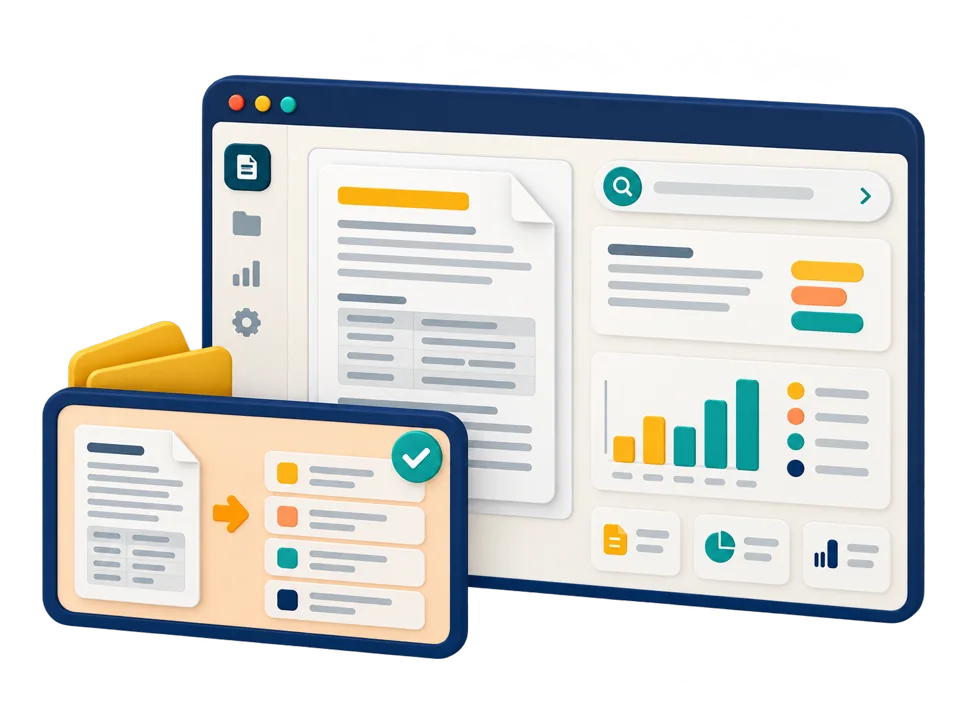
Manual handoffs and repeated data entry consume attention. We design focused assistants and automations with clear permissions, exception handling, and human oversight.
Discuss Your AI Project →
When is this service a good fit?
Is this the challenge you're facing?
Your team moves the same information between several systems.
Document intake or support triage needs a more consistent workflow.
You need an assistant that can take defined actions safely.
We start with your goals, current systems, and constraints. Discovery helps decide whether a custom solution is worthwhile.
Project deliverables
A project's outcome is more than its appearance or code. It needs to be dependable in real use.
Less repeated handling
Connect intake, classification, routing, and approval steps around your team's actual workflow.
Controlled actions
Define what the assistant may do, who can approve it, and where a person must take over.
An observable workflow
Plan logs, exception queues, and checks so your team can see what happened.
We’ll shape the deliverables around your goals and review progress together.
Delivery approach
We move the project forward in stages you can review.
If priorities change, we’ll discuss timing and cost with you before moving ahead.
Map the handoffs
Identify triggers, systems, roles, and exceptions.
Define boundaries
Agree on permissions, approval gates, and fallback behavior.
Build and evaluate
Test the workflow using representative scenarios and failure cases.
Roll out carefully
Introduce the automation in stages with operational monitoring.
Technology and architecture
We choose technology to fit the project, not from a fixed list.
Security, maintenance costs, team capabilities, infrastructure, and room for growth all shape the architecture.
Examples of technologies we may use
Python
APIs & webhooks
Workflow orchestration
Human approval gates
Frequently asked questions
What should be clear before choosing an approach?
Can an agent work with our existing CRM? Where the system provides suitable APIs and access, we can scope an integration rather than replace it.
Will it run without supervision? The level of autonomy is agreed explicitly. Consequential actions can require human approval, with safe fallbacks.
LET'S TALK ABOUT YOUR PROJECT
Discuss AI Agents & Business Automation.
Assess your project's actual needs
Let's make the next step clear.
Share your challenge and the systems involved. We'll help you define a practical starting point.
AritaWeb
AI Solution
You know your business best. We help turn its needs into reliable, practical software with room to grow.
Irvine, California · Built for your business.
Practical insights, without the noise
Practical insights into choosing, designing, developing, and maintaining digital products. Brief, clear, and free of intrusive advertising.
Email
Subscribe
AritaWeb AI Solutions Inc. · Irvine, California.
Home
Services
Contact
Insights
Account
Adjust your reading experience. Changes apply immediately and stay on this device.
Content text size Default — 100% Larger — 115% Large — 130% Largest — 150%
High contrast Dark text on a plain light background. More text spacing More room between letters, words and lines. Underline links Make links easier to recognize. Reduce motion Pause decorative motion and transitions.
Your device already requests reduced motion. We always respect that setting.
Accessibility information and help
Reset settings Done
On iPhone or iPad, open your browser’s Share menu, choose Add to Home Screen, then confirm Add.
In Safari on Mac, choose File → Add to Dock. In Chrome or Edge, use the install icon in the address bar or the install option in the browser menu.
In your browser’s menu, choose Install app or Add to Home Screen. If neither option is available, open the site in an up-to-date version of Chrome or Edge.
Once installed, AritaWeb opens to your dashboard. Use the eye icon to open the main website in a new tab.
Your account and dashboard require an internet connection. Your private information is not stored for offline use.